
Go Local Cloud Product Update July 2026
July-23-2026 by Shane Adams in News
Share on Twitter,
LinkedIn

Storage Essentials
Bigger uploads, fewer failed rentals. The upload limit for driver’s license and insurance documents jumped from 2MB to 10MB, closing the gap that was causing modern phone photos to bounce mid-rental.
Get a Quote notifications are back — with CC/BCC. Quote request emails support CC and BCC again, so more than one person on your team can stay looped in on incoming leads.
Automatic gate code delivery (StorEdge partners only). Renters completing a move-in online now receive their gate access code automatically as part of the rental — no manual follow-up needed. This applies to facilities on the StorEdge integration.
Web Builder
Rent/Reserve directly from market pages. Visitors browsing a city-level market page can now see available units and start a rental or reservation without clicking into an individual facility first. One less step between browsing and booking.
Feature your best deals. Highlight up to two unit groups directly from the CMS — as a badge with custom text (think “FLASH SALE”) or a styled row. Either type can be pinned to the top of the table.Your best offers stop getting buried in a long unit table.
Real reviews, front and center. A new Corporate Reviews block pulls star ratings and testimonials from up to four facilities into a single, scannable grid — social proof without a developer ticket.
Faster reservations and quotes, no redirect. Reservations and Get a Quote now expands inline instead of opening a modal or bouncing visitors to a new page. Fewer clicks between interest and a submitted lead.
Essential Insights
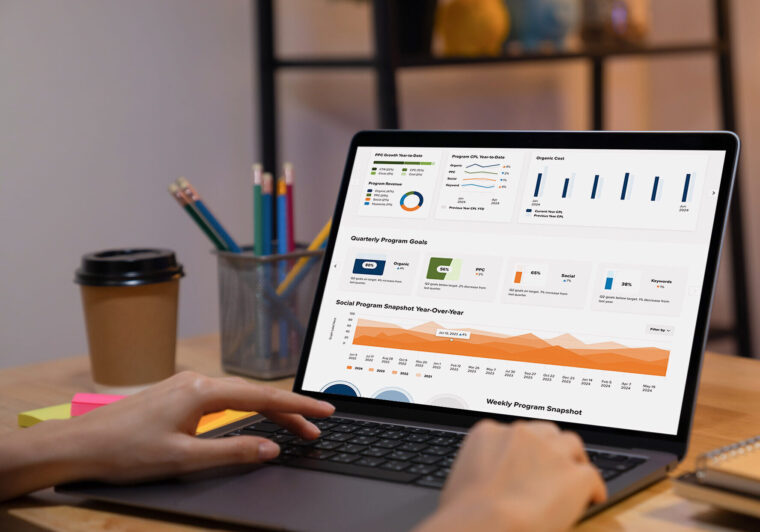
Your reporting dashboard got sharper across five areas: date filtering, table filtering, exports, saved views, and reporting transparency.
Faster date filtering. Quick-select buttons (7D, 30D, MTD, QTD, YTD) are now pinned to the top of your dashboard. Switching time periods is a single click — no date picker required unless you need a custom range.
More powerful table filtering. Filter any table by conditions — greater than, less than, equal to, or between a range — and stack filters across multiple columns. Results update instantly.
Exports that match what you see. Active filters now carry through to your exports, so you’re not pulling your entire dataset when you only need a slice of it. Location Performance exports also now include every paginated row, and PDF export is available for individual dashboard components.
More flexible saved views. Edit an existing view without starting over, duplicate a view to spin up a variation, and choose whether a view is shared with your team or kept private.
More accurate numbers. Comparison and per-location figures now reconcile correctly with your scorecards — conversion rates can no longer exceed 100%, and location totals no longer double-count shared tenants. If you notice a number shift slightly from last month, that’s the correction taking effect. The new numbers are the accurate ones.
Price Monster
Clone your pricing settings across facilities. Set up your pricing strategy once — price curve, rounding, limited-availability pricing — then copy it to every other facility in your organization with a single action. Multi-location operators no longer configure each property by hand, and settings only ever copy within your own account.
A cleaner Price Update Approval email. The daily approval email got a redesign: clearer layout, a new Unit Group column, and a 25-row cap so long lists don’t overwhelm your inbox. The approve/reject workflow itself hasn’t changed — just easier to read at a glance.
Configure your own competitive analysis. Set your market radius (5–10 miles) and choose exactly which nearby competitors count toward your pricing, right on a map — no more back-and-forth with support to adjust it.
Preview pricing before it goes live. A new ad hoc preview shows current vs. proposed pricing under a new configuration without touching your live prices. Like what you see? Approving it routes through the same Price Change Confirmation gate you already use before anything hits your FMS.
Questions About Any of This?
If you want a walkthrough of what’s new or how it applies to your account, reach out to your Go Local account team. We’re happy to show you around.
More Case Studies & Blogs

How a social media strategy doubled visibility, generating a 50% increase in online conversions and sales.

Let’s Work Together.
Get the best out of your digital marketing efforts with an expert agency. Contact us and let's get started driving success together.